

The Programmer's Guide to iSeries Navigator
urn:uuid:e9c9e80e-083e-4fd5-9d47-fb7dfb8ce175
$ 15.00 $ 74.95
-
iSeries Navigator is a favorite tool of operators and administrators--who use it with great success--but many programmers have missed the great programming tools that iSeries Navigator provides! This book introduces you to iSeries Navigator along with all the powerful tools and interfaces that will expand your programming horizons.
As iSeries applications continue to move toward a graphical user interface, so does the development environment. Programs such as CODE and WDSC may fill the need for the programming environment, but iSeries Navigator fills the programmer's need for general system access as well as database management and development.
Starting with an introduction to the basics of iSeries Navigator--including how to perform standard day-to-day commands in Navigator as opposed to green screen--the book goes on to explain the advantages of Navigator over green-screen operations.
For the programmer, it is in the graphical interface to SQL's Data Definitionl Language (DDL) in Navigator that programmers will realize the most benefit from. And, as DDS for database is replaced by SQL's DDL, the importance of knowing iSeries Navigator will grow. Navigator also provides graphical equivalents of standard green-screen commands such as WRKSPLF, WRKSBMJOB, and DSPJOB, as well as graphical access to the Integrated File System.
To maximize your efficiencies as a programmer, you need to learn the intricacies of this interface. Join Paul Tuohy as he shows you the ins and outs of iSeries Navigator in a helpful, comprehensive, and entertaining way.
With The Programmer's Guide to iSeries Navigator, you will:
- Learn iSeries Navigator from a programmer's point of view
- Discover database features that are uniquely available with DDL
- Get a true GUI interface to the Database Navigator that far exceeds any green screen
- Use the Integrated File System (IFS) to access PCs from the iSeries
- Access the IFS to share directories-store program sources-and more
- Discover Navigator tools that simplify SQL coding
- Simplify the task of creating SQL tables in place of DDS-created physical files
- Improve the performance of your SQL statements with the Visual Explain tool
- Master the database feature of Navigator to create and maintain collections-tables-views-indexes-constraints-and functions
-
- Paul Tuohy has been involved in application development on IBM midrange systems for 20 years. He has worked as IT manager for Kodak Ireland and technical director for Precision. He is currently CEO of ComCon, an AS/400 consulting company. For the past 11 years, he has worked as an instructor in the IBM Education Center in Dublin, Ireland, specializing in courses in programming and application development.
-
Item Number: 5075 Author Name: Paul Tuohy Publication Date: February 1, 2006 Edition: First Pages: 376 ISBN-10: 1583470476 ISBN-13: 9781583470473 Format: Paperback Product Dimensions: 7 x 0.8 x 9 inches Shipping Weight: 1.2 pounds Language: English
Related Items
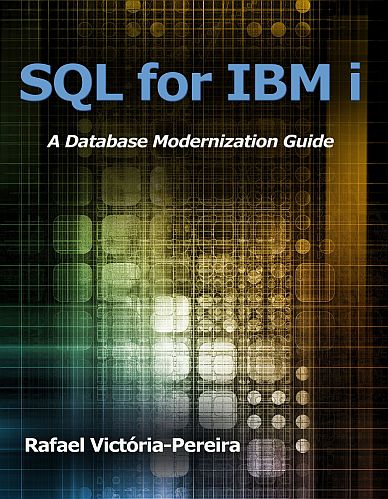
SQL for IBM i: A Database Modernization Guide
$ 55.00 $ 79.95
Product Look Inside the Book Author Bio Specifications You may be familiar with SQL, the IBM DB2 for i data-access language. But you might not know that you can...
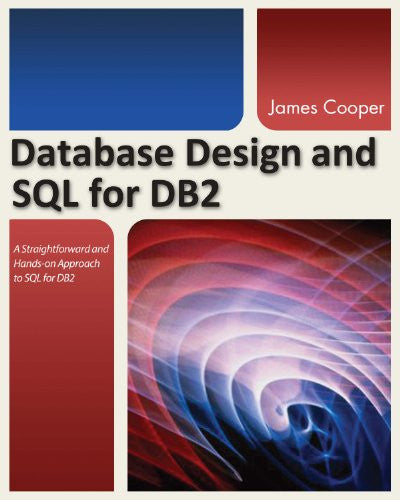
Database Design and SQL for DB2
$ 25.00 $ 79.95
Product Look Inside the Book Author Bio Specifications Database Design and SQL for DB2 engages readers with a hands-on approach that provides start-to-finish coverage of database design and SQL,...
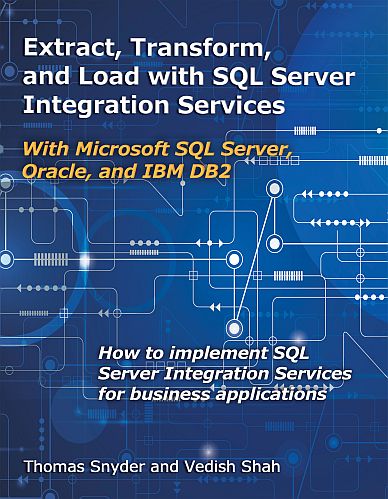
Extract, Transform, and Load with SQL Server Integration Services
$ 25.00 $ 79.95
Product Look Inside the Book Author Bio Specifications Today's business applications draw data from diverse sources' from Microsoft Excel spreadsheets to enterprise databases like DB2, SQL Server, and Oracle....
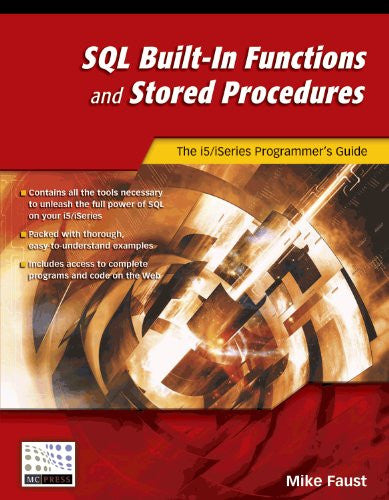
SQL Built-In Functions and Stored Procedures
$ 25.00 $ 49.95
Product Look Inside the Book Author Bio Specifications Stored procedures and built-in functions can greatly expand the power and usefulness of SQL, but surprisingly these highly useful tools remain...


